Website launch checklist for a small business
By the OnePagey team7 min read
Summary
- A website launch checklist is a short pass on your phone before you send anyone the address.
- Read the title out loud, tap the phone number, and match the hours to your Google listing.
- Use a domain name you would print on a card, and put that same address on the listing.
- OnePagey lets you review the draft, then publish. Standard is $99 a year and includes the domain name while you subscribe.
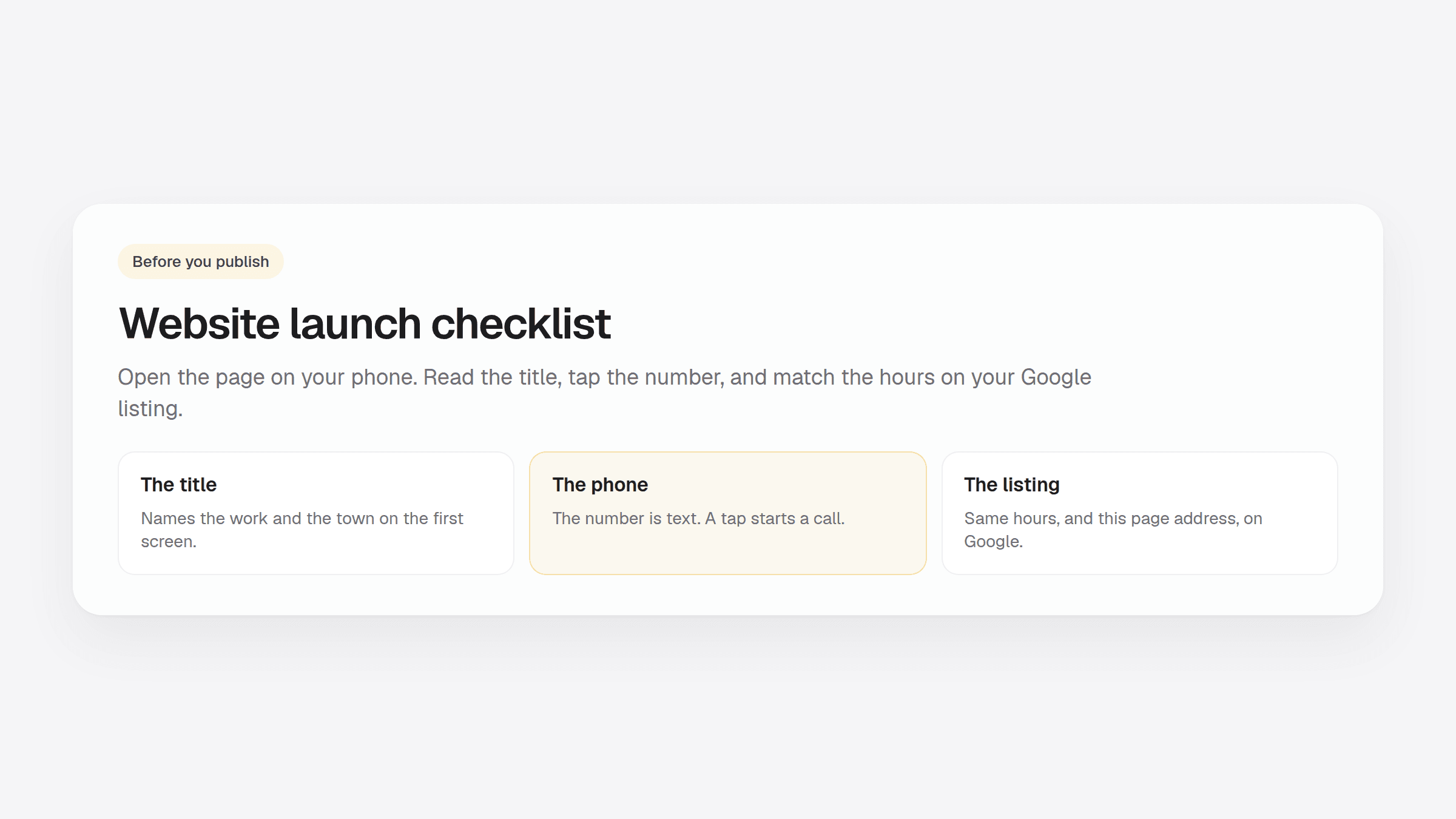
A website launch checklist is the short pass you make on your phone before you send a customer the address. Read the title out loud. Tap the phone number. Compare the hours with your Google listing.
A neighbor who searches for a plumber or a bakery decides on the first screen. They want the work, the town, and a way to call. A headline that only says welcome does not give them that.
What to put on a one-page business website covers the blocks. How to get your website online in 5 minutes covers the path from a short description to a published page.
Check the words and the phone number
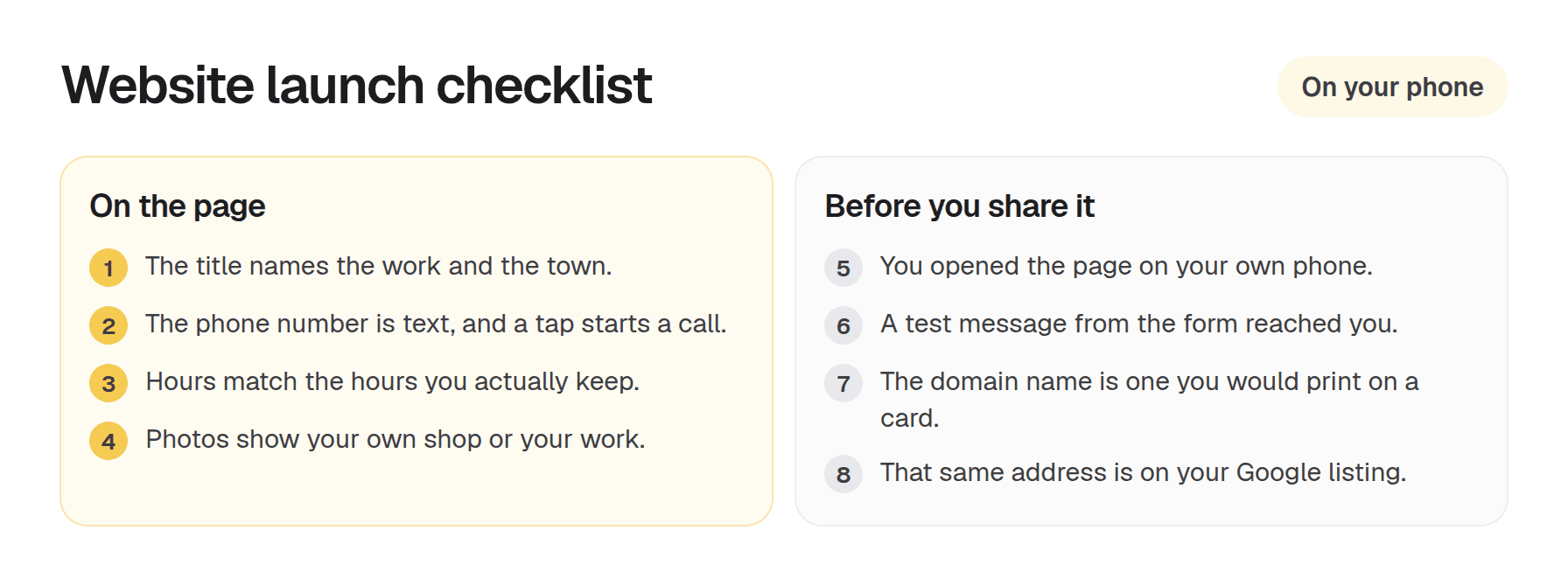
Read the headline the way a new customer would. It should name the work and the place. Put the story of how the shop started under that line.
Write the phone number as text. On a phone, tapping it should start a call. A number that lives only inside a photo cannot be tapped. Where to put your business contact info shows the spots customers actually use.
If you list hours, use the hours you actually keep. Use those same hours on your Google listing. A customer who shows up to a closed door because the page said open does not come back.
Use the same business name in the headline, the contact block, and the Google listing. A nickname on one of them makes the listing and the page look like two different shops.
Send one test message from the form on the page. Confirm it reaches you before you share the address. It should arrive at the email shown on the page, or the email you used to sign in.
Photos should show your shop, your work, or your team. A stock photo of a handshake does not tell a neighbor who you are.
Use this website launch checklist on your phone
Open the page on your own phone before it goes live. The first screen should show what you do and a way to call. Keep the phone number on that screen. If the photo is large, place it under the number.
If that first screen takes a long time, use a smaller photo. Someone standing outside the shop will not wait.
Read the page once for leftover template lines. If a sentence could describe any shop on the street, replace it with a fact: the neighborhoods you cover, a job you do every week, or how long you have been open.
Use a domain name you would print on a card
Pick a domain name a customer can say and type. Put that address on your card, in your Instagram bio if you use one, and in the website field of your Google listing. How to choose a domain name walks through the choice.
The listing and the page should share the business name, the phone number, and the hours. The map result is often the first thing a nearby customer sees. Can a one-page website rank on Google? covers that match.
Hosting is included on every plan, and the page opens with a lock in the address bar.
Publish when the checks pass
When the title is clear, the number starts a call, the hours match, and you have opened the page on your phone, publish it. You can change a sentence or swap a photo from the dashboard after you publish.
OnePagey writes Intro, About, Highlights, and Contact from a short description. You sign in with an email code, review the draft, pick a domain name, and publish. Free publishes on a OnePagey address. Standard is $9.99 a month, or $99 a year ($8.25 a month). The domain name stays included while you subscribe. Premium is $14.49 a month, or $144 a year ($12 a month), and adds business email on that domain name.
Questions about plans? Visit our support page. Real people reply within one business day.
Frequently Asked Questions
What is a website launch checklist?
A website launch checklist is the short pass you make on your phone before you send anyone the address. Read the title, tap the phone number, and match the hours to your Google listing.
What should I check before I publish a small business website?
Check that the title names the work and the town, the phone number starts a call when tapped, the hours match your Google listing, and the photos show your own work. Open the page on your own phone.
Should my website phone number match my Google listing?
Yes. Use the same business name, phone number, and hours on the page and on the Google listing. Add the page address in the website field.
How do I test a new website on my phone?
Open the page on your own phone. The first screen should show what you do and a way to call. If that screen is slow, use a smaller photo. Send one test message from the form and confirm it reaches you.
Do I need my own domain name before I publish?
Publish on a domain name you would print on a card when customers are ready to look you up. OnePagey Free publishes on a OnePagey address. Standard and Premium include a domain name while you stay subscribed.
Can I change the page after I publish?
Yes. You can edit the words and the photos from the dashboard after the page is up. Fix the phone number and the hours before you send anyone the address.
Keep reading
More guides on getting a small business online.
- How to build a one page website
How to build a one page website: name, one sentence, contact, one button, and one photo. OnePagey turns that into the page. Pick a .com and publish.
- Wix vs Squarespace vs OnePagey for a simple business site
Wix and Squarespace are powerful, and easy to overbuy. See how they compare to a one-page AI builder when you only need a clear business presence.
- The easiest way to get your small business online in 2026
Customers still expect a .com when they search for you. See what a simple AI builder should do, why one page is enough, and how to go live with a .com this afternoon.
One-page sites by use case
If you already know the kind of work you do, start on a page written for that job.