How to build a one page website
By the OnePagey team6 min read
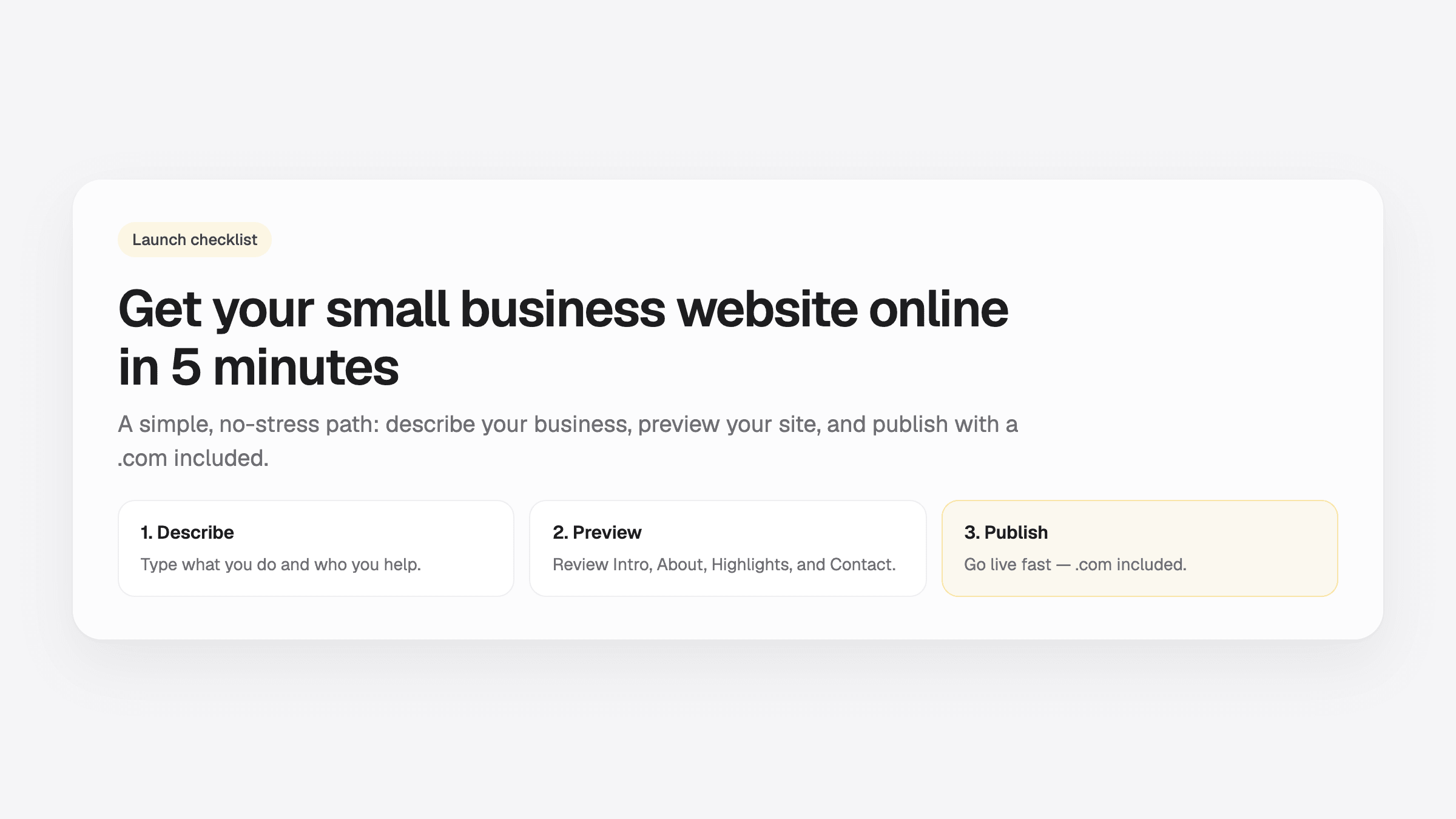
Summary
- How to build a one page website: your name, one sentence, a way to reach you, one button, and one photo.
- OnePagey turns those five pieces into the page. You pick a .com, preview, and publish.
- Filter templates by industry, or skip templates if the builder generates the layout from your description.
How to build a one page website: gather your business name, one sentence on who you help, a phone number or email, one button, and one photo. OnePagey turns those into the page. You pick a .com, preview, and publish.
Most owners put this off because it sounds technical or expensive. According to Clutch (2025), 83% of small businesses now have a website, up from 64% in 2018. Pick a builder, add those five pieces, and publish.
Step 1: What Platform Should You Use to Create an Instant Website?
There are three broad categories: website builders (Wix, Squarespace, Webflow), CMS platforms (WordPress), and AI-powered builders (like OnePagey).
CMS platforms give you the most control. They also require you to choose a hosting provider, install software, configure settings, and manage plugins. If you want a site live today, start with a builder.
Traditional website builders are faster. You still pick a template, drag in your content, and handle some setup. Plan for an hour or two.
AI-powered builders are the fastest option available right now. OnePagey generates the page from a short description of your business. You describe what you do, choose an available domain name, preview, and publish. The layout comes from that description.
That one-page site is the page you send people: who you are, what you do, and how to reach you.
Step 2: How Do You Choose a Website Template in Under 2 Minutes?
If you're using a traditional builder, you'll need to pick a template. Filter by industry first. Then pick one that looks decent.
A template designed for a restaurant already has the right sections: menu, hours, location, reservations. A generic “clean and modern” template makes you fill in the structure yourself. That takes longer and produces worse results.
Set a two-minute limit. Scroll, pick the closest fit, and move on. You can change it later. Over-browsing templates is one of the most reliable ways to waste an afternoon without making any progress.
Before you commit, check how the template looks on a phone. Mobile devices account for more than half of all global web traffic (Statista, Q1 2026). If the template looks broken on a small screen, pick a different one.
If you're using an AI-powered builder like OnePagey, skip this step entirely. The layout is generated for you based on your business description. There's nothing to browse.
Step 3: What Content Do You Actually Need to Build a Website Fast?
You need five things:
- Your business name
- One sentence describing what you do and who you help
- Contact details: a phone number, email address, or both
- A call to action: “Book a call,” “Get a quote,” or “Shop now”
- One image: a photo of you, your product, or your space
Everything else, including testimonials, an about page, and a blog, can come later. Getting live with five pieces of content is better than staying offline while you wait for ten.
If you're staring at a blank text field and nothing is coming, use whatever AI writing tool the platform offers. OnePagey generates your initial copy from your business description. Other builders have similar features. Use them. You can tighten the copy after you publish.
See what to put on a one-page business website for how those five pieces map to OnePagey's Intro, About, Highlights, and Contact sections on Step 2.
Step 4: What Happens When You Hit Publish?
Publishing makes your site visible on the internet. You can still edit every word and image after it's live.
Most builders offer a free subdomain, something like yourbusiness.wix.com. It works, but it looks like a placeholder. A custom .com domain costs around $10 to $15 per year and makes an immediate difference in how credible your site appears.
Read our guide on how to choose a domain name for your small business. It covers seven practical rules to narrow it down in under ten minutes.
With OnePagey, you can publish Free on a OnePagey address, or choose Standard and get a .com registered in your name and connected for you. Standard billed yearly is $99, about $8.25 a month. Premium is $12/mo billed $144 and adds business email.
Click publish. Your site is live.
Why Launching Fast Works in Your Favor
Three things happen the moment you publish:
- Google starts indexing your site. You won't rank for anything on day one, but the clock doesn't start until your site is live. Every day offline is a day you're not building search presence.
- You have something real to send people. A website URL in an email signature or social bio converts more than “coming soon.”
- You stop losing to businesses that do have a site. According to FitSmallBusiness, 62% of customers will ignore a business with no web presence. That's customers actively choosing a competitor because they couldn't find you.
5 Tips to Make Your Quick 5-Min Website Work Harder
Getting live is step one. Each of these takes a few minutes.
- Write a clear headline. Tell visitors exactly what you do and who you help in one sentence. “Bookkeeping for freelancers in Austin” is better than “Welcome to my website.”
- Add one strong call to action. Pick one: “Book a call,” “Get a quote,” or “Shop now.” One button, in a visible spot.
- Use a real photo. Stock images are fine in a pinch, but a photo of you, your team, or your product builds trust faster.
- Check it on your phone before sharing it. Open your site on your actual phone. If anything looks off, including text too small, buttons hard to tap, or images cropped wrong, fix it before you send anyone the link.
- Connect a custom domain. A .com address looks more credible than a free subdomain. If your builder doesn't include domain registration, it costs around $10 to $15 per year.
How to build a one page website
Put the name, one sentence, a way to reach you, one button, and one photo on the page, then publish. OnePagey can place them for you. Change any line after the page is live.
Questions before you start? Visit our support page. Real engineers reply within one business day.
Frequently Asked Questions
Do I need any technical skills to build a website?
No. Modern website builders require zero coding knowledge. With OnePagey, you describe your business in plain English and the site is generated for you. If you can type, you can build a website.
How much does it cost to get a website online?
Costs vary by platform. Most website builders charge between $10 and $30 per month. OnePagey Free publishes on a OnePagey address. Standard is $99 a year and includes your .com. Premium is $144 a year and includes business email. For a full breakdown of agency, freelancer, DIY, and all-in-one options, see our 2026 small business website cost guide.
Should I use a free website builder or a paid one?
OnePagey Free is a real start on a OnePagey address. Other builders often keep their name in the free URL. Standard is the .com customers remember, $99 a year.
How long does it take to build a website?
With a traditional builder, plan for one to two hours if you're focused. With an AI-powered builder like OnePagey, the site is generated in minutes. You preview it, make any edits you want, and publish. The five-minute timeline assumes you are using an AI builder and have your five pieces of content ready.
Can I edit my website after it goes live?
Yes. You can still update text, images, and layout after you publish. With OnePagey, you edit by clicking directly on any text or image. Changes go live immediately.
What's the difference between a website builder and WordPress?
WordPress is a CMS. It gives you more flexibility and requires hosting, installation, plugins, and ongoing maintenance. Website builders handle that for you. If your goal is to get live today, a website builder is the right choice. For a full comparison, see our website builder vs WordPress guide.
Keep reading
More guides on getting a small business online.
- Wix vs Squarespace vs OnePagey for a simple business site
Wix and Squarespace are powerful, and easy to overbuy. See how they compare to a one-page AI builder when you only need a clear business presence.
- The easiest way to get your small business online in 2026
Customers still expect a .com when they search for you. See what a simple AI builder should do, why one page is enough, and how to go live with a .com this afternoon.
- How to write a business description for an AI website builder
AI website builders are only as good as your description. Use this short template so your generated homepage sounds like your real business.
One-page sites by use case
If you already know the kind of work you do, start on a page written for that job.