How to add your business contact info so customers actually call
By the OnePagey team6 min read
Summary
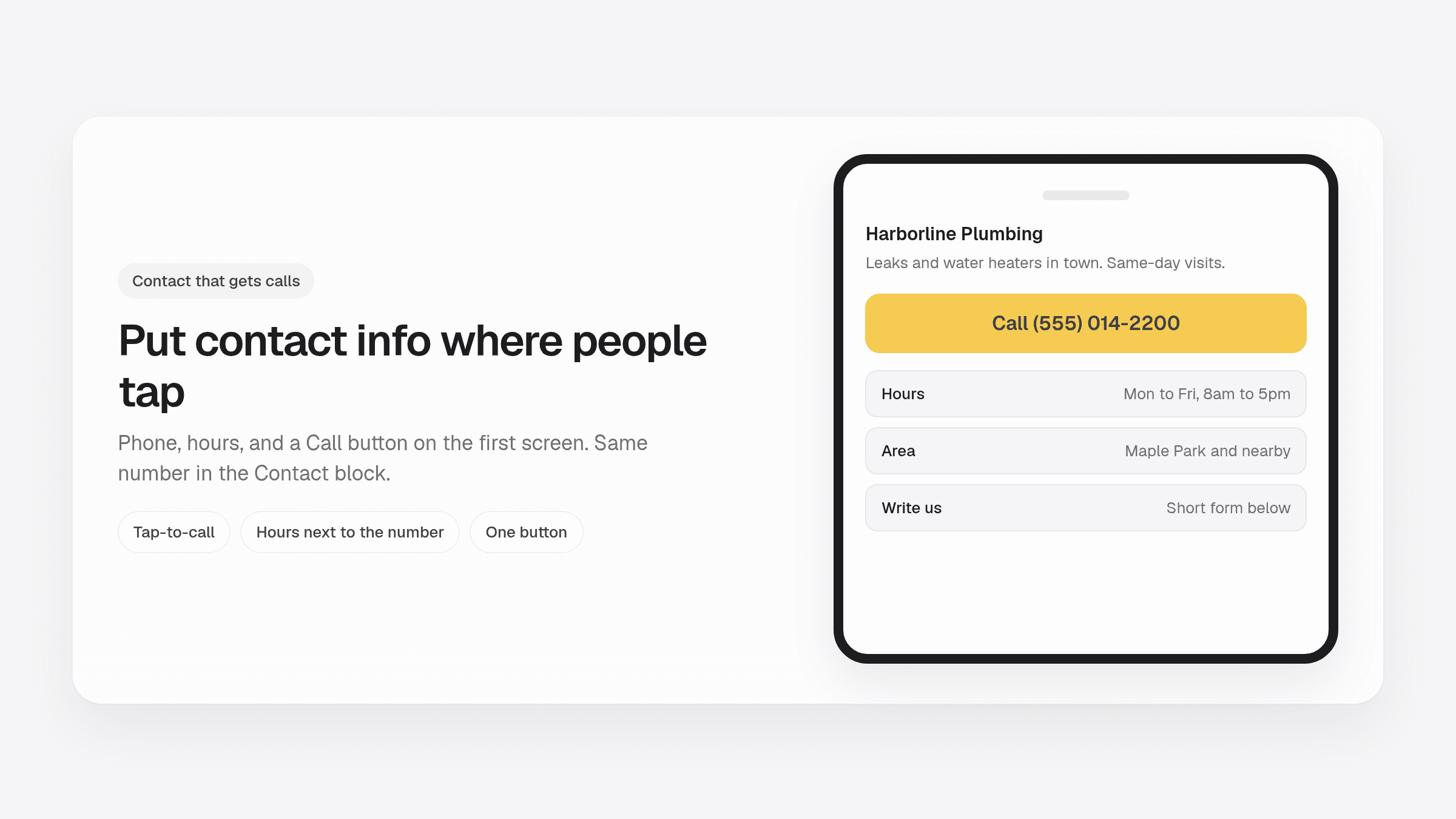
- Put the phone number in the header and on the first screen. Footer-only numbers lose calls.
- Include a tap-to-call number, the hours you answer, and an address or the towns you cover.
- Keep a short form for quotes and jobs that can wait. People with urgent work want the number.
- Use one number you pick up. Match hours with your Google listing.
- OnePagey drafts a Contact block with phone, email, and address. You can add hours and a Contact form.
People hide the phone number, then wonder why the page gets visits and no calls. Business website contact information is the part visitors came for. They want a number they can tap, hours they can trust, and a way to write if they cannot talk right now.
A number that works on a phone books the job. If you are still deciding what else belongs on the page, start with what to put on a one-page business website.
Why contact UX matters more than fancy design
Most local visits last a few seconds. Someone has a leak, a gap in the calendar, or a kid who needs a tutor this week. They open your .com and look for three things: what you do, whether you cover their town, and how to reach you.
If the number is five scrolls down, they bounce and tap the next listing. That is how people use a phone with one thumb.
Put the path to a call in the first screen. Repeat it at the bottom so someone who reads the whole page still has a next step.
What business website contact information to include, and where
Keep the channels you will actually answer. Extra inboxes you never check just scatter the first reply.
- A phone number people can tap
- Email, or a short form for jobs that can wait
- An address if you have a shop or office people visit
- Towns or a service-area sentence if you go to them
- Hours, or the days you take calls
- One clear button: Call, Book, or Send a message
Put those facts in four places, not one buried footer line.
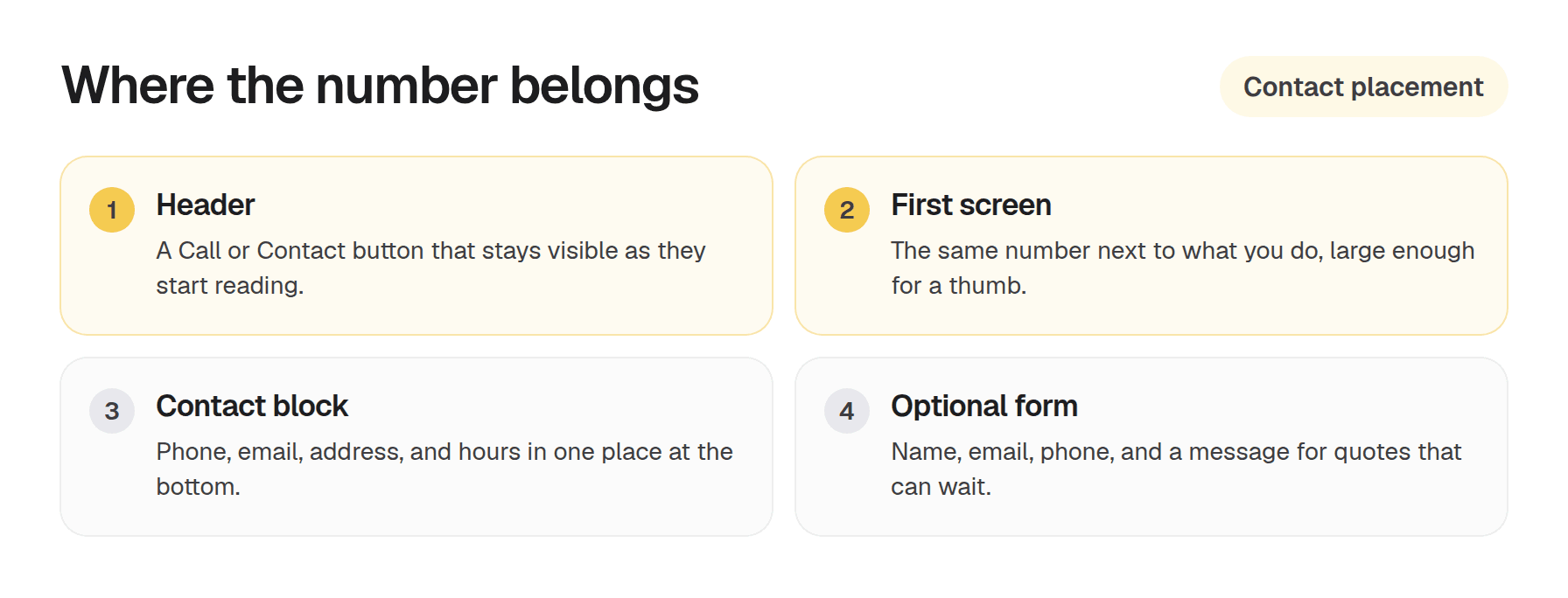
Start in the header with a Call or Contact button. On a OnePagey page the nav Contact button scrolls to the Contact block.
Put the same number on the first screen, next to what you do. If they only see the top of the page, they can still tap.
The Contact block is the home for phone, email, address, and hours. OnePagey includes that block on every draft.
Add a Contact form when you want written requests. The form asks for a name, email, phone, and message. Keep it for quotes and jobs that can wait. Emergency work still wants the number.
Use the same number and hours on your Google listing. Mismatched hours are how people decide you are closed when you are not.
Mobile-first patterns that get calls
Most of your visitors are already on a phone. Treat the page like a tap target.
Make the number a real tap-to-call link. On a phone that opens the dialer. On a computer it still looks like a number they can copy. Write the digits in text. A photo of the van cannot be tapped.
Keep the Call button large enough for a thumb. Tiny footer text is easy to miss in a car or a kitchen.
Put hours next to the number. A Saturday visitor who sees Monday to Friday, 8am to 5pm will wait or try someone else. That beats a voicemail they never leave.
If you take texts, say so. "Call or text" is a sentence people understand.
Common mistakes that hide you from customers
The number sits only in an image. Phones cannot tap a photo of a van door.
The only next step is a long form. Keep the form for quotes. Put the number where a thumb can hit it.
Hours are missing or two years old. Update them when the season changes.
Email is a graphic, or a Contact button with no address behind it. If you want email, write it out and make it a mail link.
The header says Learn more and goes nowhere useful. Use Call, Book, or Get a quote.
You list three phone numbers and two emails. One number you answer is enough.
How OnePagey puts contact on the page
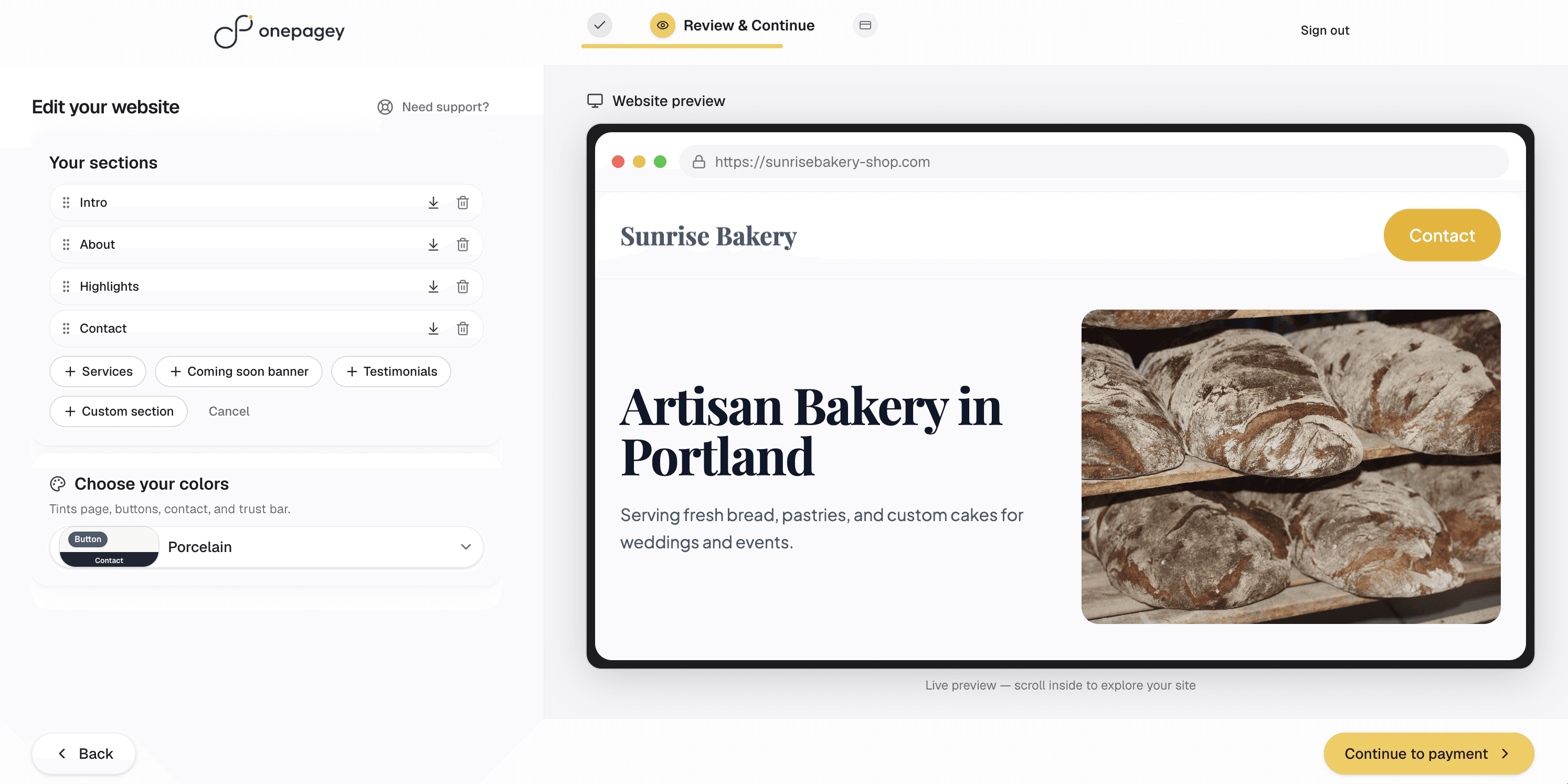
On Step 1 you describe the business. The draft includes Intro, About, Highlights, and a Contact block with phone, email, and address. You can add hours. A Contact form is an optional block if you want written requests.
You review the page on your phone before you pay. Free publishes on a OnePagey address. Annual Standard is $8.25/mo billed $99 and includes a .com while you subscribe. Monthly Standard is $9.99/mo.
Keep reading
More guides on getting a small business online.
- Launch a one day website today: 5 prep essentials for small business
Show up with final copy, a few photos, and one person who can say yes. A VIP day or an AI one-pager can go live before dinner.
- One-page website vs multi-page website: which do you need?
One page keeps visitors focused. Multi-page helps when you have real depth. Use this guide to pick without guessing.
- 90-day small business website SEO plan: DIY tasks and a fast launch
Week one is the Google listing, matching name and phone, and one clear offer. Here is a 90-day plan you can finish without an agency.
One-page sites by use case
If you already know the kind of work you do, start on a page written for that job.