What to put on a plumber website
By the OnePagey team7 min read
Summary
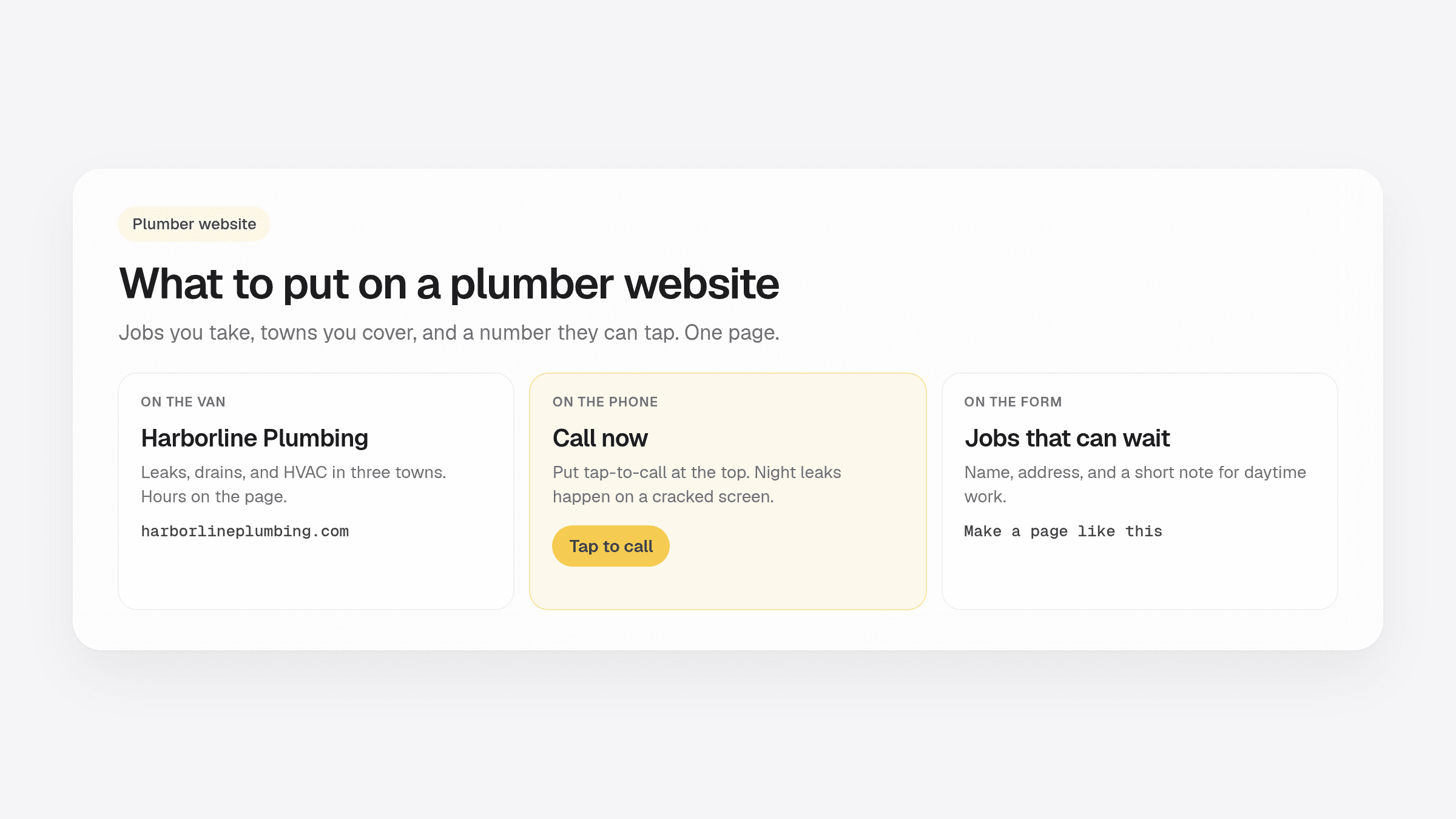
- A plumber website needs the jobs you take, the towns you cover, and a number people can tap.
- Lead with leaks, drains, and water heaters in plain talk. Save the spec sheet for the invoice.
- Name the towns on the page so 90-minute drives stay out of the inbox.
- Put the phone near the top. Add a form for jobs that can wait until morning.
- OnePagey drafts that one-page plumber site from a short description, then you edit and publish with a .com.
A plumber website has one job. A homeowner with a leak should know you take that work, you cover their town, and they can tap a number.
Most crews still send people to a Facebook photo or a directory listing that looks like everyone else. Neighbors want a page they can forward with your services and a call-now path.
For the general local-service checklist, use how to make a website for a local service business. For the four default blocks on any OnePagey page, see what to put on a one-page business website.
A plumber website that gets the phone ringing
People do not browse a plumber the way they browse a clothing shop. The water heater failed. They search, they tap, they call. If your page is slow, vague, or missing the towns you cover, they call the next van.
Write like a neighbor. Leaks, drains, AC not cooling, furnace not lighting. Then say which towns. Then show the number.
The six things to put on the page
Keep it to one page. After launch you click any text or image to change it. Start with these six.
1. Who you help, in the first line
Harborline Plumbing is an example: emergency and planned plumbing and HVAC in three towns. That sentence tells a stranger if they should stay. Your intro can name the trade and the area in one breath.
2. Services in plain talk
List the jobs you actually want. A short yes list beats a wall of twenty vague tasks. If you only want emergency calls, say the hours. If you take planned installs, say that too.
3. Towns you cover
Name the cities. Homeowners check that before they call. You also stop quoting jobs 40 minutes away. Put the list where a thumb can find it.
4. Proof that looks real
A van photo, a before-and-after under a sink, or a license note. Swap photos after the next job from the dashboard. Skip stock smiles.
5. A number they can tap
Put tap-to-call near the top. Night leaks happen on a cracked phone. OnePagey sites are built for that thumb.
6. A form for work that can wait
Name, address, and a short note. Daytime work should not drown in night panic. You still take the emergency calls. The form catches the rest.
See a live plumber website example
Open Harborline Plumbing. It is a labeled example, not a live shop. Scroll it. Then tap Make a page like this. Step 1 fills in with the sample name and description so you can swap in your towns and your jobs.
If you want the trade landing first, start at the plumber website page. Same product. A short form, a .com next, then a preview.
How to write the description on Step 1
Two to four short sentences. What you do, who you help, where you drive, and what you want them to do next. Something like:
Harborline Plumbing. Emergency and planned plumbing and HVAC in three towns. Leaks, drains, water heaters, and same-week AC calls. Hours on the page, and a call-back form for jobs that can wait.
That is enough for OnePagey to draft Intro, About, Highlights, and Contact. You edit the facts. Then you publish. For the five-minute launch path, use how to get a website online in 5 minutes.
Where to put the link once you are live
Van door. Invoice. Card on the counter. Google listing. The page is the home base those profiles should point to. Share the .com the same way you share the phone number.
OnePagey includes the domain and hosting while you subscribe. You describe the trade, pick a .com, preview, and publish. Then you keep the towns and photos honest after each job.
Keep reading
More guides on getting a small business online.
- How to build a one page website
How to build a one page website: name, one sentence, contact, one button, and one photo. OnePagey turns that into the page. Pick a .com and publish.
- Wix vs Squarespace vs OnePagey for a simple business site
Wix and Squarespace are powerful, and easy to overbuy. See how they compare to a one-page AI builder when you only need a clear business presence.
- The easiest way to get your small business online in 2026
Customers still expect a .com when they search for you. See what a simple AI builder should do, why one page is enough, and how to go live with a .com this afternoon.
One-page sites by use case
If you already know the kind of work you do, start on a page written for that job.