How to make a website for a local service business
By the OnePagey team7 min read
Summary
- Local customers decide in about five seconds: what you do, where you work, and how to reach you.
- One page is enough for most plumbers, cleaners, tutors, and salons. Add more later only if you outgrow that.
- Put a tap-to-call phone number at the top. Hide it in the footer and you lose calls.
- List 4 to 6 real services and use your own photos. Skip stock smiles and a wall of twenty vague jobs.
- OnePagey can draft Intro, About, Highlights, and Contact from a short description. You preview, then publish with a .com.
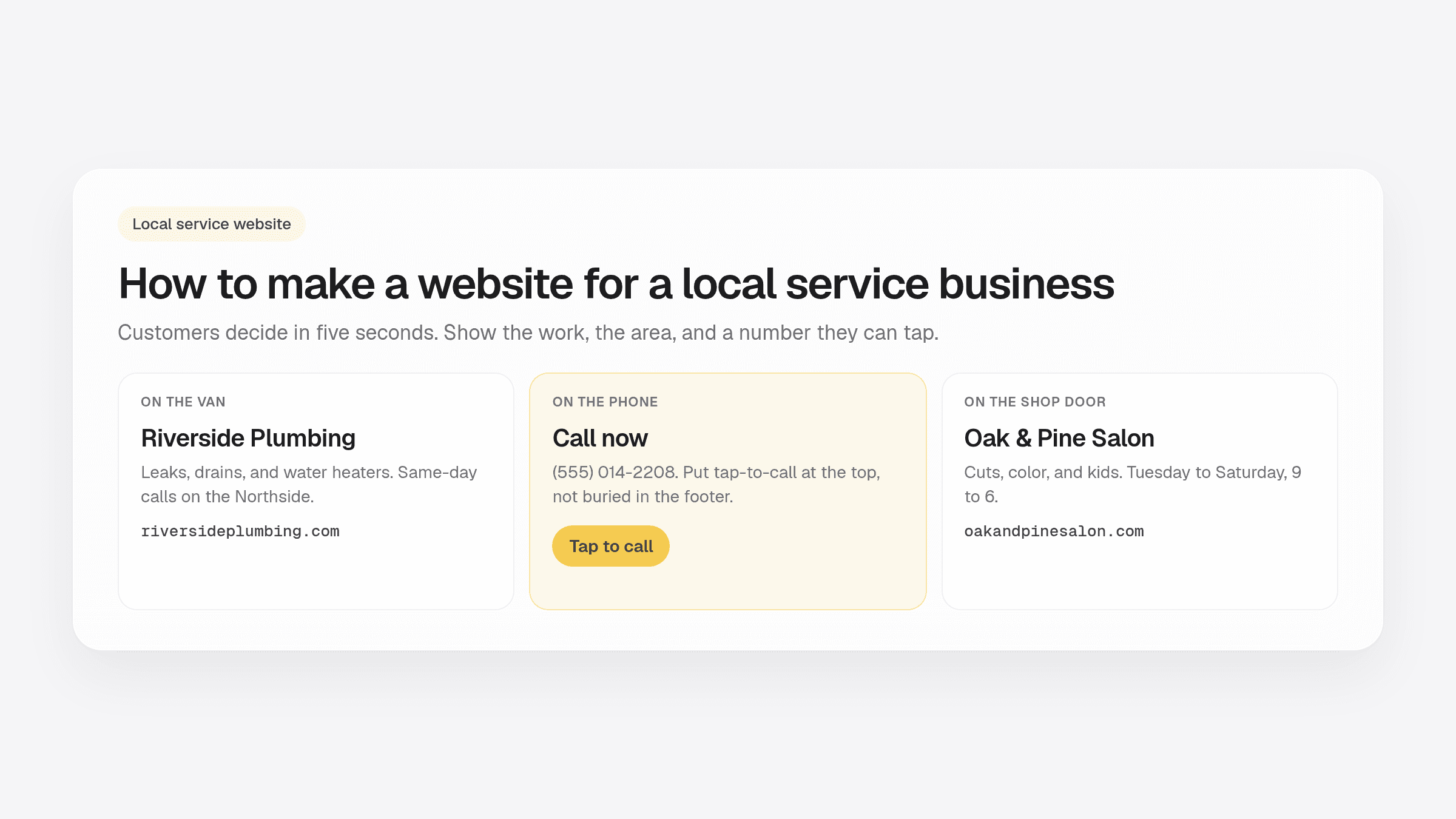
A website for a local service business does not need ten pages. A plumber, cleaner, tutor, or salon needs one thing: a stranger who found you on their phone should know what you do, where you work, and how to call you.
Most owners overbuild. They wait on photos, copy a competitor with a blog they will never write, or hide the phone number under a contact form. Use this checklist for a plumber website, a salon website, or any local trade that lives on calls and bookings.
If you want the block-by-block version of a one-page site, start with what to put on a one-page business website. If you are ready to publish today, the steps are in how to get a website online in 5 minutes.
What local customers look for in the first 5 seconds
People do not browse a plumber the way they browse a clothing shop. They have a leak, a haircut gap, or a kid who needs a tutor this week. They open your page, glance, and decide if you look real.
In those first seconds they want:
- The job. “Emergency drain clearing in Austin,” not “Welcome to our website.”
- The area. A town, a few neighborhoods, or a shop address. “We serve everyone” sounds like you serve no one.
- A next step. Call, text, or book. If they have to hunt, they tap the next result.
Fancy animation does not help. A clear headline and a phone number do. That is true on a plumber website and a salon website alike.
What belongs on a website for a local service business
Keep the page short. These sections cover almost every local service site. You can name them differently. The job of each one stays the same.
Intro
Headline, one supporting line, and a button that jumps to contact. Name the service and the place. “Family haircuts in Midtown” beats “Your style, your story.”
About
Two to four sentences. Who you are, how long you have done this, and why a neighbor should pick you. Skip the mission statement. Mention a license or insurance if that is how people choose in your trade.
Services or highlights
Four to six offerings people actually buy. Group rare add-ons under one short note. “Water heaters, drain clearing, fixture installs” is easier to scan than twenty vague bullets.
Proof
Years in business, a real review, before-and-after photos, or a license number. One honest proof point beats three invented quotes. If you are new, a clear photo of you and the van still helps.
Contact
Phone, email or form, hours, and service area. On a phone, the number should be tappable from the first screen. Do not make someone scroll past a long story to find it.
Service area, hours, and proof without clutter
Local sites get messy when owners try to look big. You do not need a map of the whole state. You need the towns you actually drive to.
A simple pattern:
- Service area: “North Austin, Round Rock, and Pflugerville.” If you have a shop, put the street address too.
- Hours: Shop hours, or “Calls returned the same weekday.” Emergency trades can add “after-hours leaks.”
- Proof: One license line, one review, or a photo of a finished job. That is enough on day one.
A Google Map embed helps if people walk in. For a van business, the area sentence and the phone number usually matter more than a pin.
Photos that help (and photos that hurt)
You do not need a studio. You need pictures that look like your real work. A phone photo in daylight beats a stock handshake every time.
Photos that help:
- Your van, shop door, or work truck with the name readable
- A finished job: a clean bathroom, a fresh cut, a tidy lawn
- You or your crew, if you are comfortable being seen
Photos that hurt:
- Generic stock people smiling at a laptop
- Dark, blurry, or cluttered shots that look unfinished
- Twenty near-identical images with no caption
One strong hero photo and two or three work shots are plenty. Swap better pictures later. Do not wait months for a photoshoot before you publish.
Local business website checklist
Run this local business website checklist before you share the link on Google, a van, or a card.
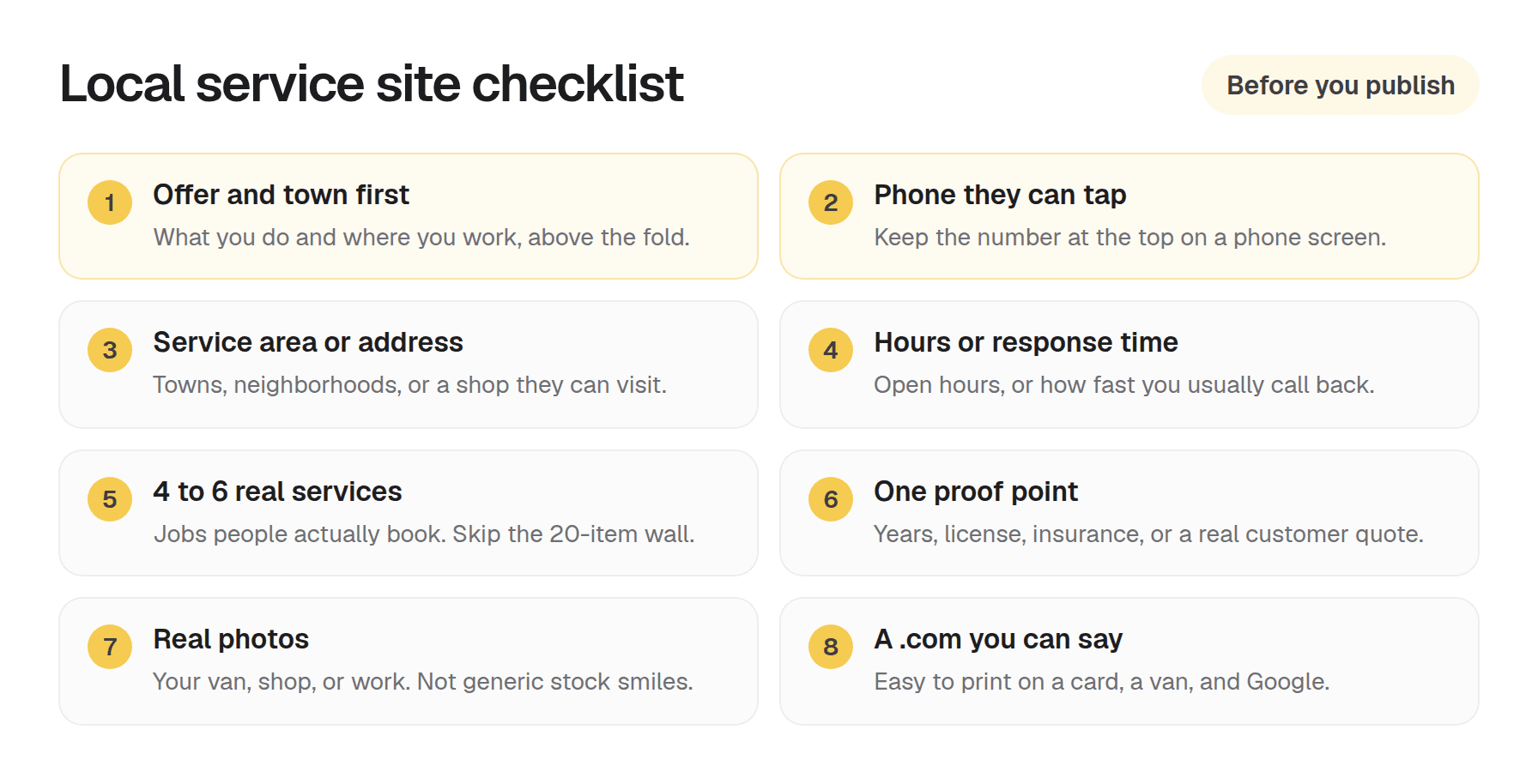
- The first screen says what you do and where you work.
- The phone number is visible and tappable on a phone.
- Service area or street address is written in plain words.
- Hours or typical response time are easy to find.
- You list 4 to 6 real services, not a wall of twenty.
- There is one proof point you can stand behind.
- Photos are yours, or clearly unused placeholders you will replace.
- The web address is a .com you can say out loud.
If you checked six of eight, publish. Polish after people can find you.
How a one-page AI draft covers the basics
You can build this by hand in a big website tool. You can also start from a draft. Describe the trade and the area in a few sentences. An AI builder can turn that into Intro, About, Highlights, and Contact. You still have to fix names, hours, and the phone number. Treat it as a first pass, not a finished ad.
OnePagey is built for that path. On Step 1 you enter a business name and a short description. On Step 2 you review the page, add a Services or Testimonials block if you need it, and check the contact details before you pay. The .com stays on the same bill while you are subscribed. Start free, or take Standard at $99 a year. Premium is $12/mo billed $144 and adds business email. If one clear page covers the offer, you can describe the business, review the draft, and go live.
Questions about plans? Visit our support page. Real people reply within one business day.
Frequently Asked Questions
Do local service businesses need more than one page?
Usually not on day one. One clear page with services, service area, proof, and contact is enough for most plumbers, cleaners, tutors, and salons. Add pages later only if you outgrow that.
What should be above the fold on a local service website?
Who you help, what you do, where you operate, and a call or contact button. Do not hide the phone number in the footer on mobile.
Should I list every service I offer?
List the services people actually search and buy. Group rare add-ons under a short note. Six clear offerings beat a wall of twenty vague bullets.
How do I show I am trustworthy without lots of reviews yet?
Use real photos, years in business, licenses or insurance if relevant, and a clear contact path. Add testimonials when you have them. Do not invent quotes.
Does my website need Google Maps embedded?
Helpful if you have a storefront. For mobile service businesses, a clear service-area sentence and phone number often matter more than a map pin.
Can OnePagey build a local service site?
Yes. Describe your trade and area on Step 1. OnePagey generates Intro, About, Highlights, and Contact. Add Services or Testimonials on Step 2 when you need them.
Keep reading
More guides on getting a small business online.
- How to build a one page website
How to build a one page website: name, one sentence, contact, one button, and one photo. OnePagey turns that into the page. Pick a .com and publish.
- Wix vs Squarespace vs OnePagey for a simple business site
Wix and Squarespace are powerful, and easy to overbuy. See how they compare to a one-page AI builder when you only need a clear business presence.
- The easiest way to get your small business online in 2026
Customers still expect a .com when they search for you. See what a simple AI builder should do, why one page is enough, and how to go live with a .com this afternoon.
One-page sites by use case
If you already know the kind of work you do, start on a page written for that job.