One-page website for Home staging professionals
A home staging page listing agents can forward to sellers
Agents want proof, timing, and whether you serve the listing's zip. One calm page beats a 40-image Facebook album.
You can edit your site anytime after launch. Website templates are included free. See pricing, read FAQs, or find a .com first.
Need a name first for home staging professionals?
Check real domain availability for a home staging professionals page, then preview the site on the name you pick.
Open the domain name generatorOr describe the business if you already have a name.
Why Home staging professionals still send people to a listing they do not own
Clients want a page that is clearly yours. A .com you can share beats a buried directory.
Your proof is trapped in a camera roll
Before and after belong on a URL, not in a text thread that dies.
You explain inventory and fees every time
Write the process once. Vacant, occupied, refresh.
Out-of-area agents still inquire
Publish the towns. Save the drive-by that was never going to work.
What a home staging professionals page can look like
Same one-page structure. Your name, photos, and offer.
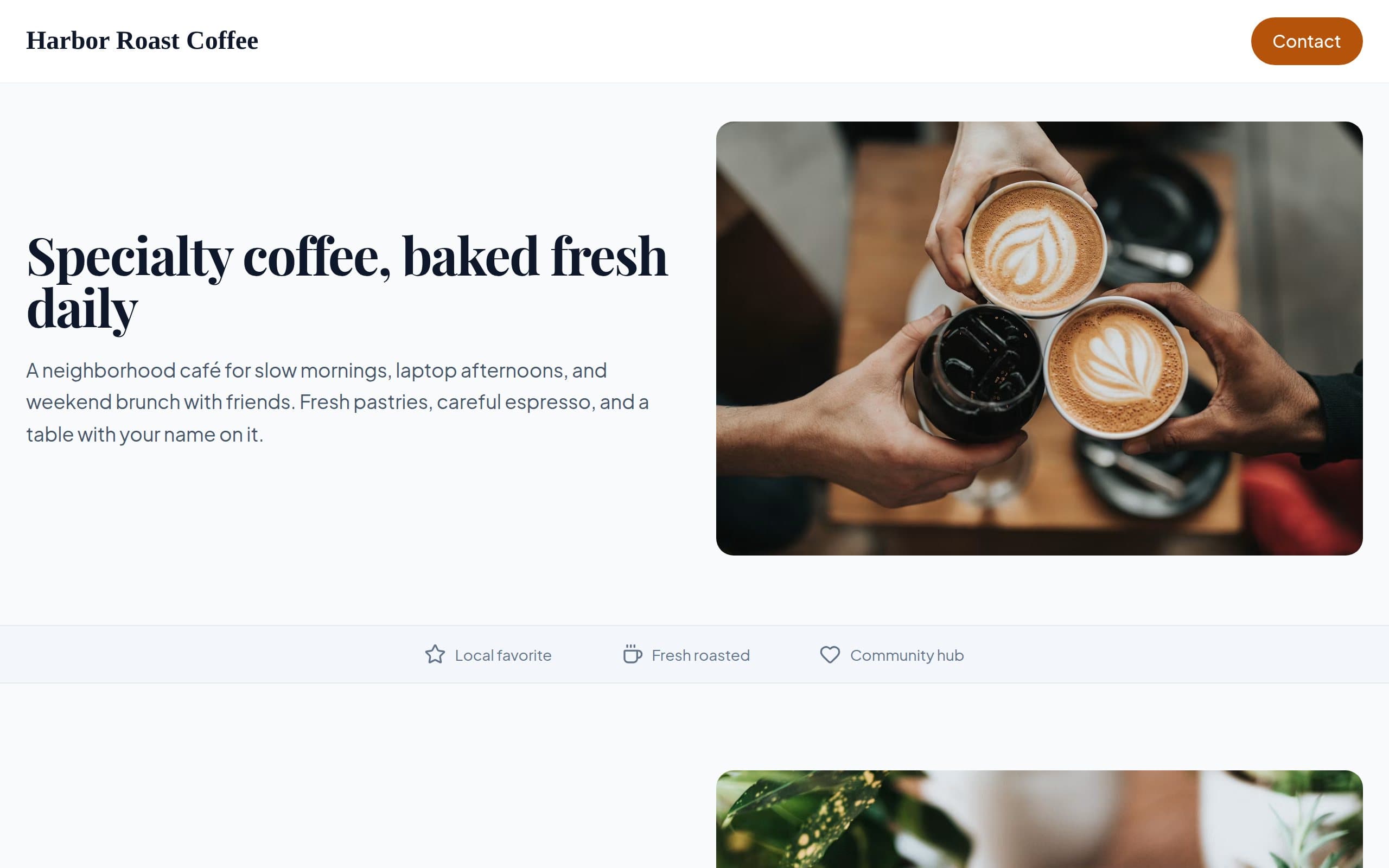
Harbor Roast Coffee
How this 1 page website builder works
Three steps from a short description to a live page.
Choose Domain
Search for a .com that fits home staging professionals. We check availability so you can pick a name you will actually share.
Review & Continue
Verify your email, then preview your one-page site. Edit text and images before you publish.
Publish Website
Choose Free or a paid plan and go live in minutes. Put the link on signs, proposals, and the card you hand at the door.
Built for Home staging professionals
Neighborhoods or rooms, photos, and an inquiry form. Edit as the work changes.
Before and after highlights
A few honest rooms. Link to a fuller gallery if you host one.
How you work
Consult, full stage, occupied. Timing in real days, not vague ASAP.
Agent-friendly inquiry
Address, list date, vacant or not. You can edit this line anytime after the page is live.
A .com on the yard flyer
Sellers will search you after the showing. Be findable.
OnePagey is a fit when you want a public page for home staging professionals. It is one page for introductions.
What a page for Home staging professionals includes
These are blocks you can keep, edit, or remove after launch. The page stays one page.
Who you help
Say the towns, rooms, or families home staging professionals actually take.
Photos of real work
Listings, rooms, or pieces. Swap them when the job changes.
How to start
A showing, a consult, or a measure. Keep the next step obvious.
An inquiry form
Name, timing, and a short note. You follow up how you already do.
Ready to launch a page for Home staging professionals?
Describe the market you serve. We will help you pick a .com next.
Choose Free, Standard, or Premium
Free to start. Custom domain with Standard. Full professional email with Premium. Go annual and get 2 months on us.
FAQs
Frequently Asked Questions.
Feature the best. A massive archive belongs in a gallery tool. OnePagey is the sales page.
You can mention both. If design clients need a different tone, lead with staging if that is the growth work.
Yes. Describe the business, preview, publish, then swap in the newest photos.
Keep it to who you help, before and after highlights, how you work, and a contact form. After launch you click any text or image to change it.
It is one page for introductions. Explain how you already take a card, cash, or invoice. The form is there to collect the details you need before you say yes.
Still have a question? Contact support.
Nearby use cases
Same product. A slightly different job.
Real estate agents
A one-page real estate website that makes you the easy call for local buyers and sellers
Interior designers
An interior design page that feels like your work, not a template gallery
Custom furniture builders
A furniture studio page that shows the work and how to commission a piece
Independent nannies and small nanny placement individuals (not large agencies)
A one-page nanny website: a page families can share with a partner