One-page website for Event organizers and webinar hosts
An event page people can forward without a 14-email thread
Date, place, who should come, and how to RSVP belong on one link. Not a PDF in a Google Drive nobody can find.
You can edit your site anytime after launch. Website templates are included free. See pricing, read FAQs, or find a .com first.
Need a name first for event organizers and webinar hosts?
Check real domain availability for a event organizers and webinar hosts page, then preview the site on the name you pick.
Open the domain name generatorOr describe the business if you already have a name.
Why Event organizers and webinar hosts still get the same planning emails
Dates, packages, and a form on one page cut the back-and-forth before you have even said yes.
Your Luma link looks temporary
Sponsors and speakers want a page that looks like the event has a spine.
Details live in five docs
Agenda in Notion, bios in a slide deck, tickets in an email. Guests give up.
You rebuild from scratch every time
Next quarter's webinar should not require a new tool. Edit the same page for the new date.
What a event organizers and webinar hosts page can look like
Same one-page structure. Your name, photos, and offer.
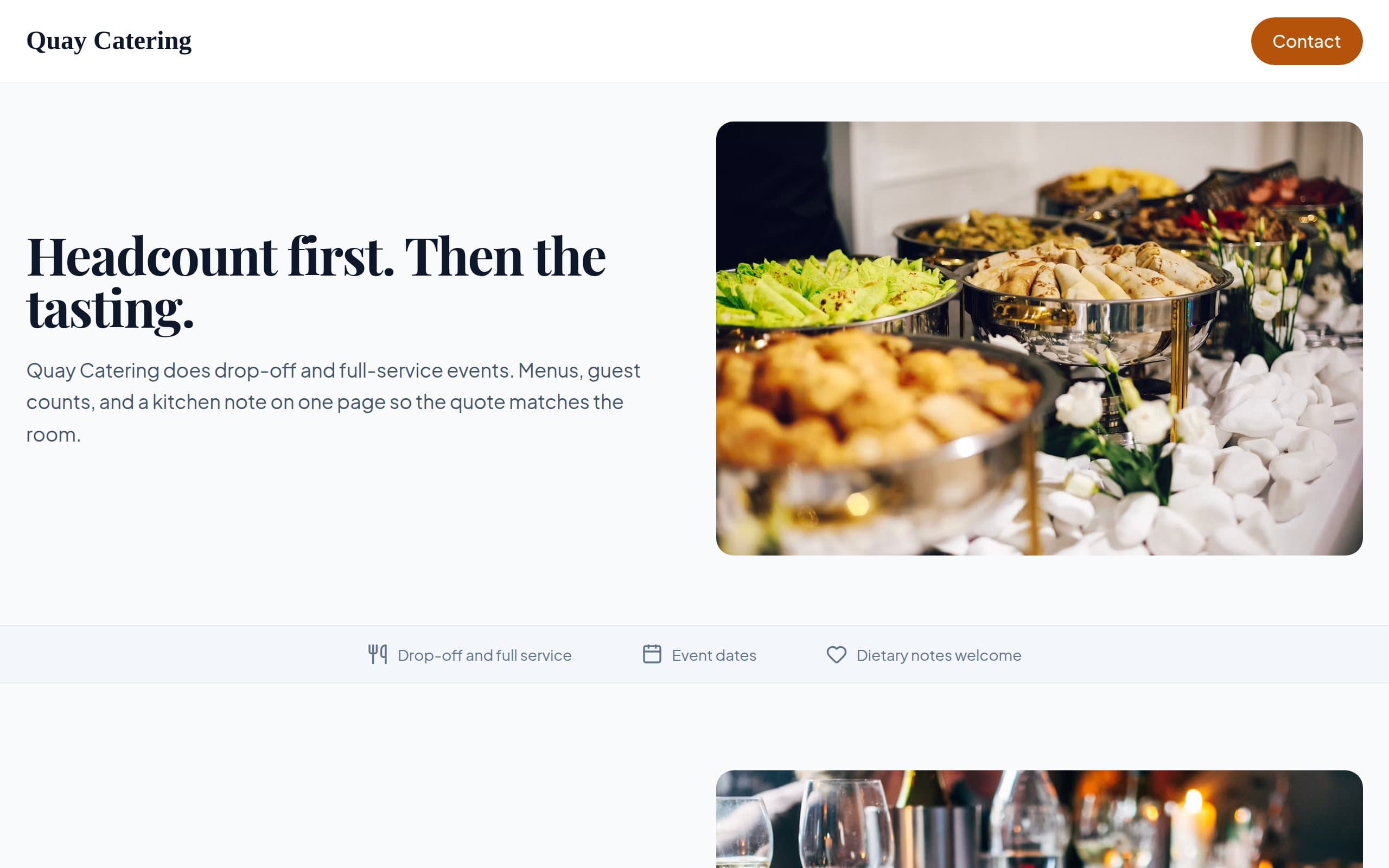
Quay Catering
How this 1 page website builder works
Three steps from a short description to a live page.
Choose Domain
Search for a .com that fits event organizers and webinar hosts. We check availability so you can pick a name you will actually share.
Review & Continue
Verify your email, then preview your one-page site. Edit text and images before you publish.
Publish Website
Choose Free or a paid plan and go live in minutes. Send the link when a couple or a planner asks for your one-pager.
Built for Event organizers and webinar hosts
What you host or supply, travel notes, and an event form. Not a ticket checkout.
Date and format first
In-person, virtual, or both. Put it where a busy VP can see it in two seconds.
Who should attend
Save yourself from the wrong room. Say the job titles and the problem you will work.
Speaker and sponsor snapshot
A few names and logos beat a 20-tab microsite you will not maintain.
One RSVP path
Form or link to the tool you already use. OnePagey is the public page, not a ticketing system.
OnePagey is a fit when you want a public page for event organizers and webinar hosts. People inquire. You hold the date how you already do.
What a page for Event organizers and webinar hosts includes
These are blocks you can keep, edit, or remove after launch. The page stays one page.
What you offer
Packages or formats event organizers and webinar hosts actually run, written so a planner can forward the page.
Where you travel
Towns or a mileage note so you skip the four-hour gigs.
How a booking starts
What you need to hold a date. Deposits stay how you already take them.
An event form
Date, guest count, and venue. You reply with availability.
Ready to launch a page for Event organizers and webinar hosts?
Describe the events you take. We will help you pick a .com next.
Choose Free, Standard, or Premium
Free to start. Custom domain with Standard. Full professional email with Premium. Go annual and get 2 months on us.
FAQs
Frequently Asked Questions.
You can explain the event and send people to Eventbrite, Luma, or your webinar tool.
OnePagey is for a single event page: the pitch, the essentials, and the next step.
Yes. Change the date, speakers, and copy in the editor. Keep the same .com so repeat guests already know the address.
Keep it to who you help, date and format first, who should attend, and a contact form. After launch you click any text or image to change it.
People inquire. You hold the date how you already do. Explain how you already take a card, cash, or invoice. The form is there to collect the details you need before you say yes.
Still have a question? Contact support.
Nearby use cases
Same product. A slightly different job.
Wedding and event planners
A wedding planner page couples can send to their families without cringing
Wedding and event DJs working independently
A one-page wedding DJ website: a page couples can share with a fiance who hates email
Wedding officiants and independent ceremony celebrants
A one-page wedding officiant website: a page that shows how you run a ceremony, not a legal form dump
Independent florists and small flower studios
A one-page florist website: a page that shows your flowers, not a 200-SKU grocery cart