One-page website for CrossFit and micro gyms
A one-page CrossFit gym website: a gym website that tells the truth about the room before they walk in
Drop-ins and nervous beginners want hours, what class feels like, and how to start. A Facebook photo album is not that.
You can edit your site anytime after launch. Website templates are included free. See pricing, read FAQs, or find a .com first.
Need a name first for crossfit and micro gyms?
Check real domain availability for a crossfit and micro gyms page, then preview the site on the name you pick.
Open the domain name generatorOr describe the business if you already have a name.
Why CrossFit and micro gyms outgrow a grid of photos
Clients want hours, services, and how to ask for a time. A page you own still works when a post expires.
Your Wodify login is not marketing
Members already know how to book. Strangers need a public page.
You sound like every box
Community, intensity, family. Be specific: who thrives here, who might not.
Drop-in questions hit the group chat
Put drop-in price and what to bring on the page. Save the coaches' phones.
What a crossfit and micro gyms page can look like
Same one-page structure. Your name, photos, and offer.
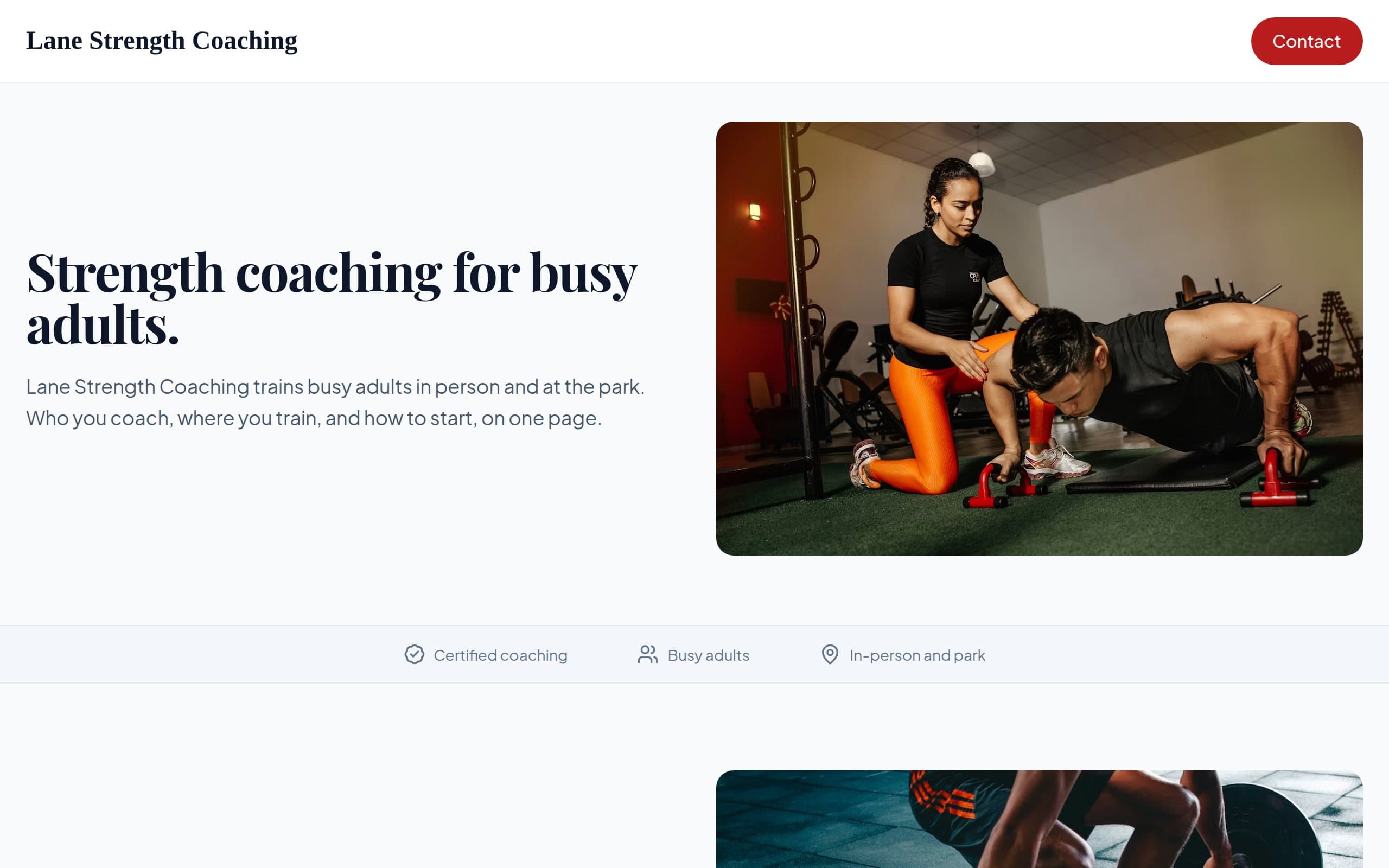
Lane Strength Coaching
How this 1 page website builder works
Three steps from a short description to a live page.
Choose Domain
Search for a .com that fits crossfit and micro gyms. We check availability so you can pick a name you will actually share.
Review & Continue
Verify your email, then preview your one-page site. Edit text and images before you publish.
Publish Website
Choose Free or a paid plan and go live in minutes. Put the link in your booking texts and on the card at the desk.
Built for CrossFit and micro gyms
Services, first-visit notes, and a request form. Update prices when you change them.
Who the gym is for
Competitors, beginners, 5am crowd. Write it like a coach, not a billboard.
How to start
Foundations, drop-in, or a no-sweat intro. One obvious path.
Schedule link
Send people to the software you already pay for.
A .com on the whiteboard
Visiting athletes will search it. Hosting included while you subscribe.
OnePagey is a fit when you want a public page for crossfit and micro gyms. People inquire. You confirm the chair.
What a page for CrossFit and micro gyms includes
These are blocks you can keep, edit, or remove after launch. The page stays one page.
Services in plain words
List what crossfit and micro gyms actually book, with enough detail that a first-time client does not guess.
Hours and first visit
When you take people, what to expect, and any deposit or cancellation note.
Photos of real work
A short gallery you can swap when a look changes. No 200-image dump.
A time request form
Preferred day and service. You confirm in the book you already use.
Ready to launch a page for CrossFit and micro gyms?
Describe the studio and what you offer. We will help you pick a .com next.
Choose Free, Standard, or Premium
Free to start. Custom domain with Standard. Full professional email with Premium. Go annual and get 2 months on us.
FAQs
Frequently Asked Questions.
No. Keep billing in Wodify, PushPress, or your current system. The page is the front door.
That is a great fit. You need a clear page, not a corporate fitness franchise site.
Yes. Change a few sentences when the gym closes or shifts hours.
Keep it to who you help, who the gym is for, how to start, and a contact form. After launch you click any text or image to change it.
People inquire. You confirm the chair. Explain how you already take a card, cash, or invoice. The form is there to collect the details you need before you say yes.
Still have a question? Contact support.
Nearby use cases
Same product. A slightly different job.
Local hair salons and barbershops
A one-page salon website: a salon or barbershop page that answers the three questions people actually have
Massage therapists and spas
A massage and spa page that feels as calm as the room
Pet groomers and dog walkers
A one-page dog groomer website: a groomer or walker page pet parents can check before they hand over a leash
Independent nail techs and small nail studios
A one-page nail salon website: a page that shows your work, not a mall directory