Just filed your LLC? Get a .com you can text
By the OnePagey team7 min read
Summary
- After you file a US LLC, people ask for a link they can text and paste in a bio.
- Pick a short .com in your name, then publish one page with hours, what you do, a photo, and a call button.
- Put that same address in your Instagram or Facebook bio, Google Business Profile, cards, and texts.
- Open the page on your phone before you share it. Check the number, the hours, and the tap-to-call button.
- On OnePagey you describe the business, pick a .com, preview, and publish. It's free to start. Standard is $99 a year.
The paperwork is done. The EIN is in. The bank account is next on the list. Then a neighbor asks for a link. A lender wants a URL. Google asks for a website. Someone in a group chat wants to text your hours to a spouse.
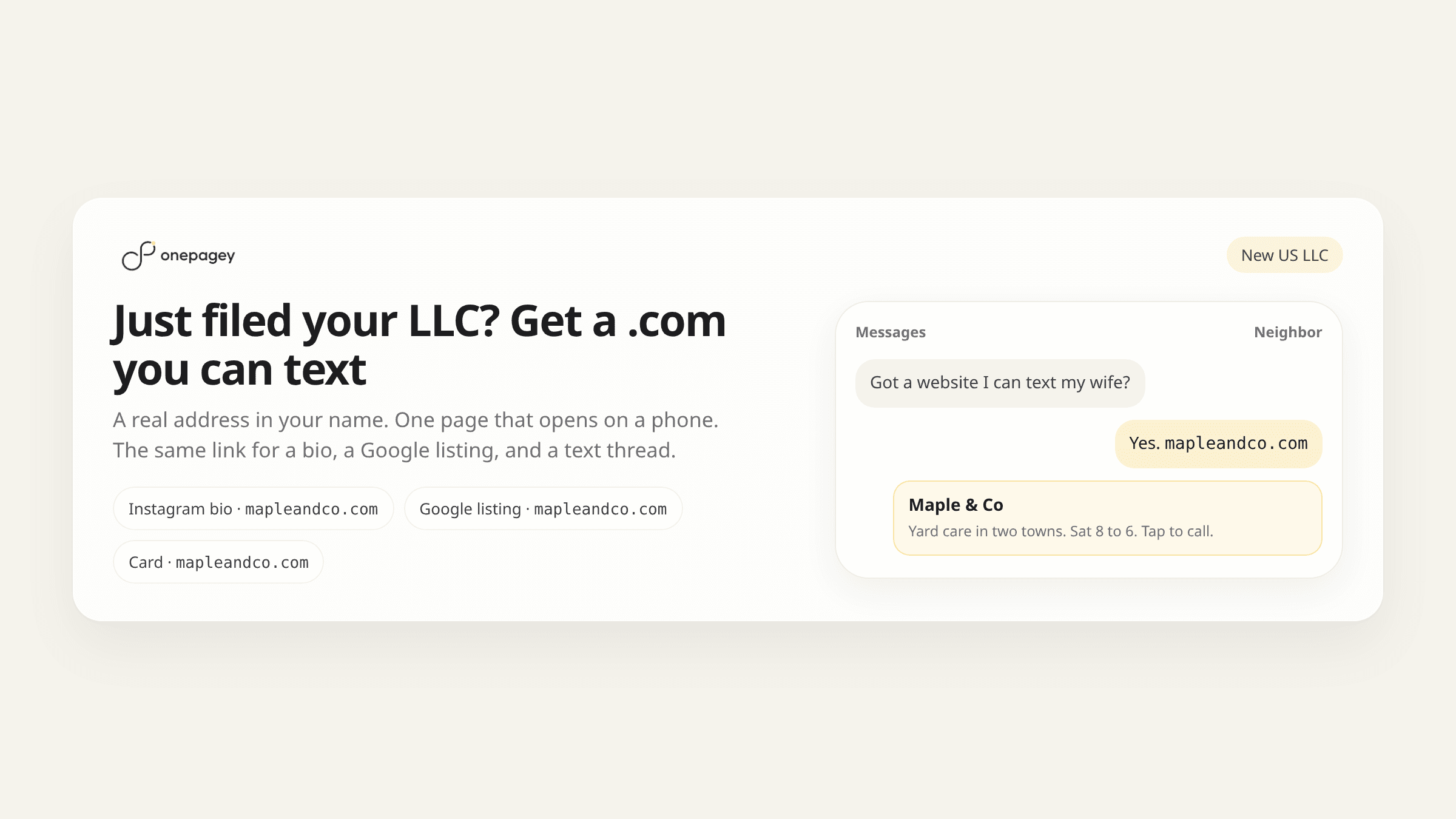
Just filed your LLC? Get a .com you can text. A real address in your name. One page that opens cleanly on a phone. The same link in a bio, a Google listing, a card, and a thread.
If you want the full formation punch-list, use the domain + one-page checklist. If you are filling the blocks, see what to put on your first business page after you file. If the tax ID is still on your desk, start with from EIN to .com.
Just filed your LLC? Get a .com you can text
Filing makes the business real on paper. A public page makes it real for customers. They want an address they can paste and open.
A good first link does three things. It sounds like the name people already say. It loads on a phone without a hunt. It shows hours, what you do, a photo, and a way to call or text. That is enough for a neighbor, a lender, or a new customer.
Your Instagram or Facebook bio is waiting for this .com
A lot of new LLCs already live on Instagram or Facebook. The profile is where friends find you. The posts keep coming. The missing piece is the bio tap. People hit that link and want hours, what you do, a photo, and a way to call.
Put a real .com in that slot. Keep posting on the profile you already have. The tap from Instagram, Facebook, or a text should open the same page. One address. Your name on it.
Why this hits the week the papers come back
Formation week is busy. You are opening a bank account, pinning a number on the door, and telling people you are official. Three asks show up in the same few days.
- A neighbor or a group chat. Someone wants to text your hours to a spouse. They need a link that opens on a phone.
- A lender or a bank. The file has a website line. A short .com in your name fills it.
- Google Business Profile. The form asks for a website. Paste the same address you put in the bio.
Keep the formation folder for you and your accountant. The public page is for customers. Hours. Offer. Photo. Call button. Two piles. Two jobs.
What that first page should open with
Think about the person who just got your text. They are on a phone, in a parking lot or on a couch. They have a few seconds. Give them four facts.
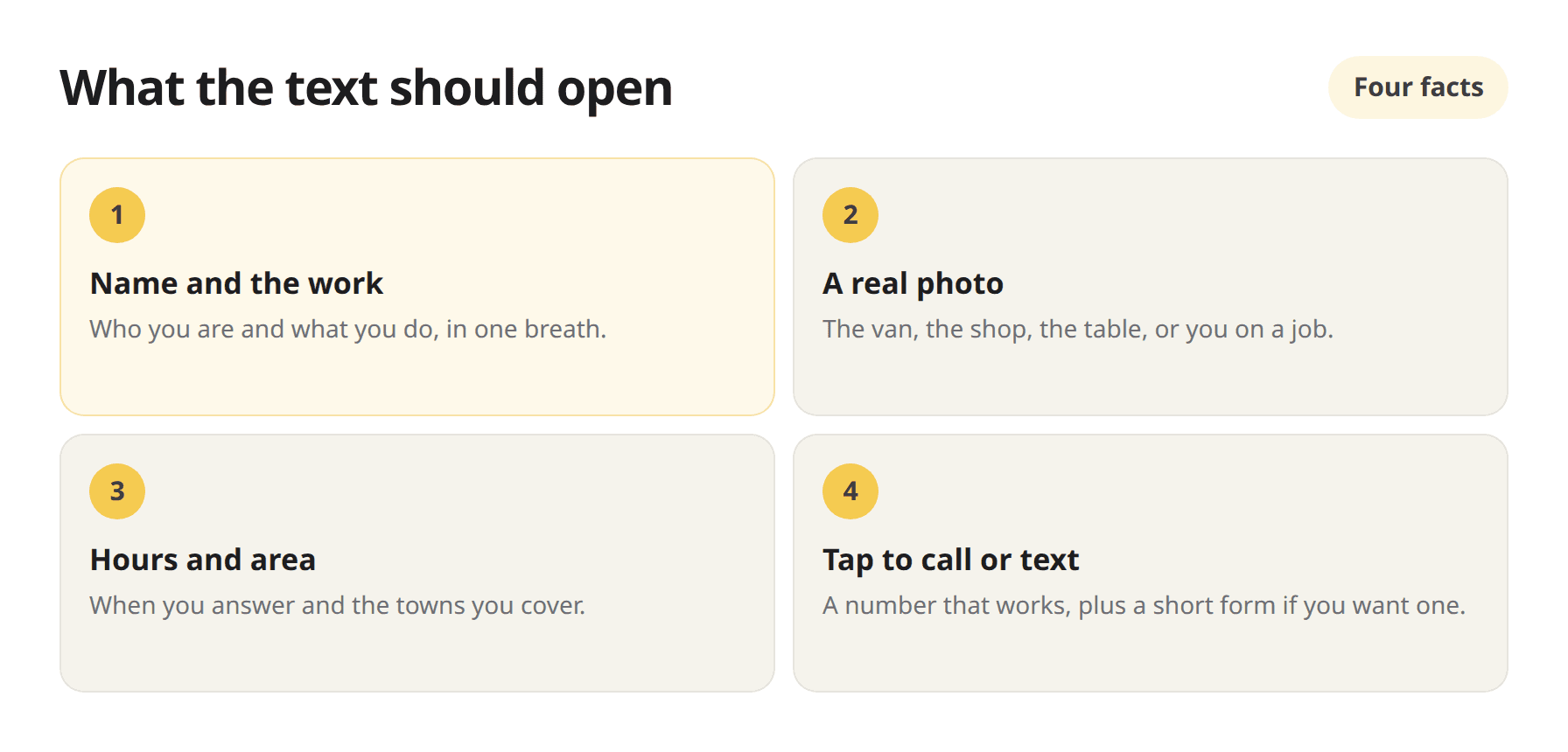
- Business name and what you do. One line a stranger can finish. “Bookkeeping for new LLCs in Austin.” “Yard care in two towns.”
- A real photo. The van, the shop, the table, or you on a job. People relax when the page looks like the work.
- Hours and service area. When you answer, and the towns you cover. A response time is fine if you do not keep a shop clock.
- Tap to call, text, or a short form. Check the number twice. A wrong digit is a quiet week.
That is the page worth sending. For the Intro, About, Highlights, and Contact stack, use the first-page guide.
Pick a .com short enough to say out loud
The name has to survive a noisy room. Say it once. If you have to spell it twice, pick again. Short. Easy to type from a card photo. Easy to paste into a bio.
Match the name people already use. Your sign, your invoice, the way you answer the phone. If the exact .com is taken, add one clear word such as the town or the trade. Keep it in your name so the address you print is yours.
OnePagey shows available .com suggestions from the business you typed. The domain is registered in your name while you subscribe. For more naming rules, use how to choose a domain name for your small business.
Put the same link in every bio
Once the .com is live, copy it once and reuse it. Instagram bio. Facebook page. Google Business Profile. The card on the counter. The footer of an invoice. A text to a new customer. One address. People stop asking which link is current.
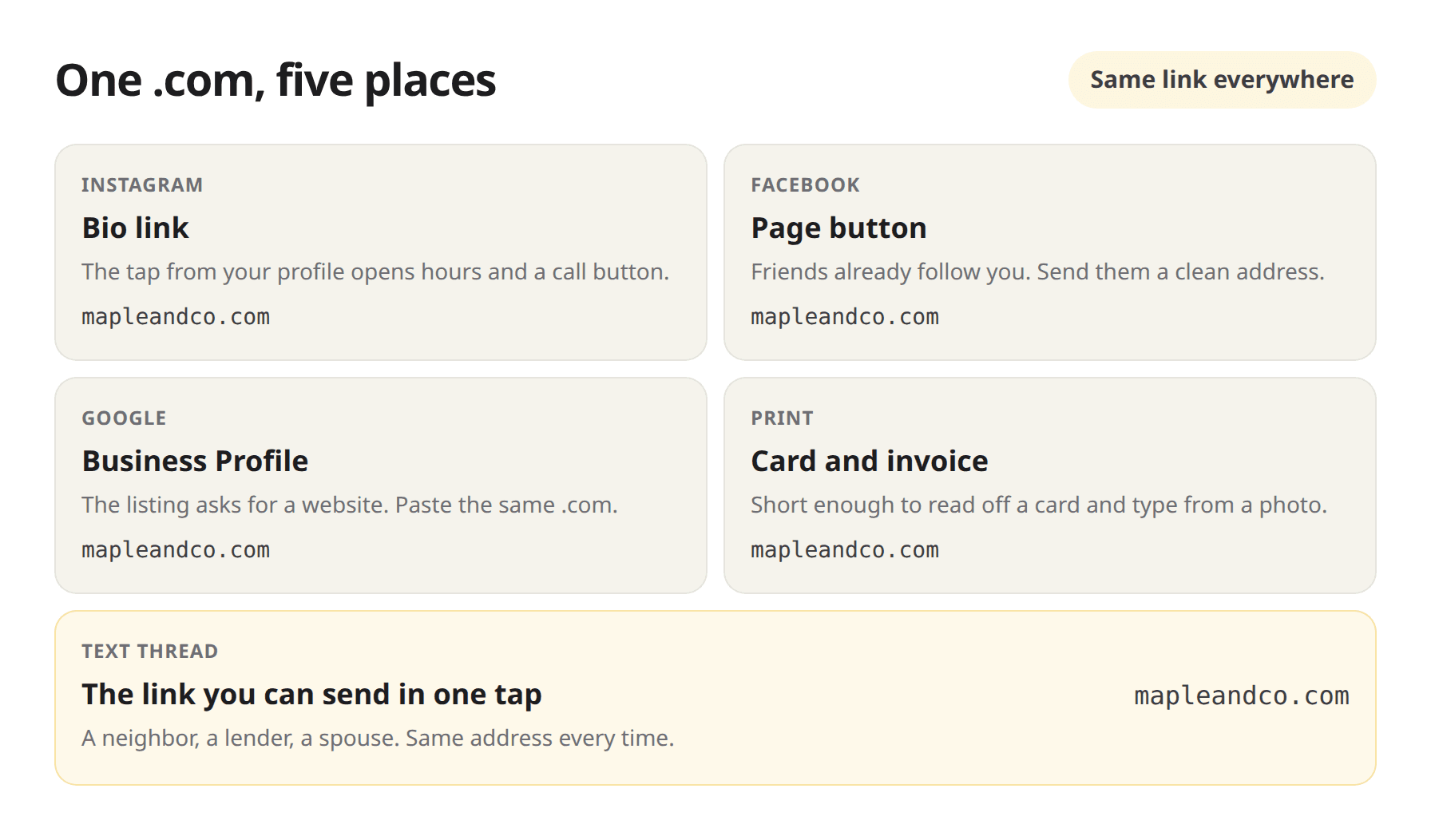
Do this the same evening the page is live. Paste once, then copy from there.
- Instagram bio
- Facebook page or profile button
- Google Business Profile website field
- One text to a real person, so you see it land
Cards and invoices can wait for the next print run. The bio and the text are the jobs people ask for this week.
Preview on your phone before you share
Do this before the bio goes live. Open the page on your own phone. Read the first line. Check the hours. Tap the number. Send yourself a test text. If a photo looks dark, swap it. If a sentence sounds like a form, rewrite it the way you talk.
Then paste. Bio first. Google listing next. Card and invoice when you reprint. You can tighten copy later. The five-minute launch guide walks the same preview-then-publish loop.
How founders finish this on OnePagey
On OnePagey the path is the same every time. Describe the new business in plain English. Pick an available .com. Preview the one-page site. Publish. Templates are included. The domain is registered in your name. Hosting and updates stay with the site while you subscribe. Free publishes on a OnePagey address. Standard billed yearly is $99. You can edit anytime. A person replies if you want a hand.
Text that link the week the LLC papers come back.
Questions after you publish? Visit our support page. People reply within one business day.
Frequently asked questions
What should I send people after I file my LLC?
A short .com in your name that opens one page. Hours, what you do, a photo, and a call button. That is the link you can text.
Can I put the .com in my Instagram or Facebook bio?
Yes. Paste the same address in the bio, on your Facebook page, and on your Google Business Profile. One tap should open your page.
What belongs on the page people open?
Your name, what you do, a real photo, hours or response time, the towns you cover, and a number they can tap. A short form helps for work that can wait.
How do I pick a .com I can text?
Keep it short and sayable. Match the name people already use. If the exact .com is taken, add the town or the trade. Register it in your name.
Should I preview before I share the link?
Yes. Open it on your phone. Check the number and the hours. Tap the call button. Then paste it into the bio and the Google listing.
Whose name is on the domain?
On OnePagey the .com is registered in your name while you subscribe. It is the address you print and share.
How much does this cost?
Free publishes on a OnePagey address. Standard with a .com is $99 a year, about $8.25 a month. A person replies if you want help.
Keep reading
More guides on getting a small business online.
- Just formed your LLC? Domain + one-page site checklist
Papers are filed. People still ask for a link. Use this checklist for a .com in your name and a one-page site you can text.
- What to put on your first business page after you file
Intro, About, Highlights, and Contact. That is the first page a new LLC can share the week the papers come back.
- From EIN to .com: simple path for new US small businesses
EIN in the folder. Next, a .com in your name and one page customers can open. Five steps from tax ID to a link you can text.
One-page sites by use case
If you already know the kind of work you do, start on a page written for that job.